Gaussian Blur began with a question: what would it sound like to blur audio the way you blur an image? What’s shipping today is a bloom reverb.
It runs audio through a granular engine, lets you control when the grains are most present, then feeds them into a plate-style reverb tail. I’ve spent longer than planned getting that balance right, down to sweating the details on the init patch so the plugin sounds good from the moment you add it to your DAW. A plugin like this can become a critical part of someone’s sound, and once it’s released, its tone and character are locked in. Today I’m ready to share it.
Blurring sound like an image
Gaussian Blur definitely has its own character. It’s not your usual reverb. While I’ve been working on it, the algorithms have gone through many revisions and different approaches.
The original idea, and the through line, was to make a reverb that does to sound what a Gaussian blur filter does to an image. Could I blur and smear sound using something similar to a classic convolution kernel?
After the first passes, we ended up with a problem where long sustained sounds would blur and sound great, but anything percussive sounded like it was bouncing around in the matrix. I spent far too much time trying to add more delay and reverb lines to smooth things out.
From feedback delay networks to a granular bloom
Eventually it needed a full rethink and redesign, leaning less heavily on a literal Gaussian blur while keeping its spirit. The result has far more subtlety and control than it first appears.
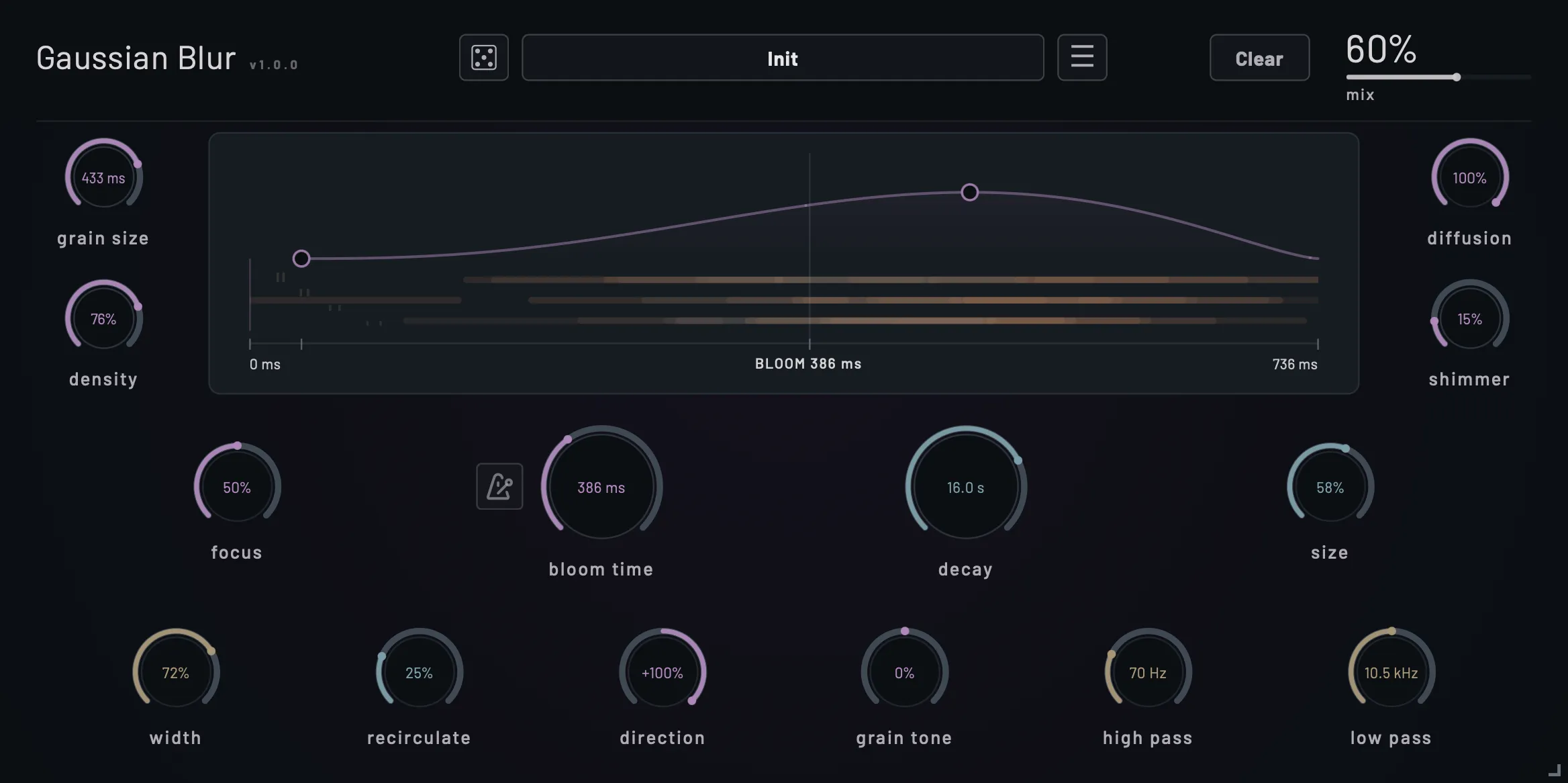
Researching other algorithmic reverb designs led me away from doing weird things to feedback delay networks (FDNs) and toward a hybrid: a granular bloom that gives an impressionistic idea of “Gaussian”, running into a plate-style tail, with a little recirculation to pipe the cloud back into itself.
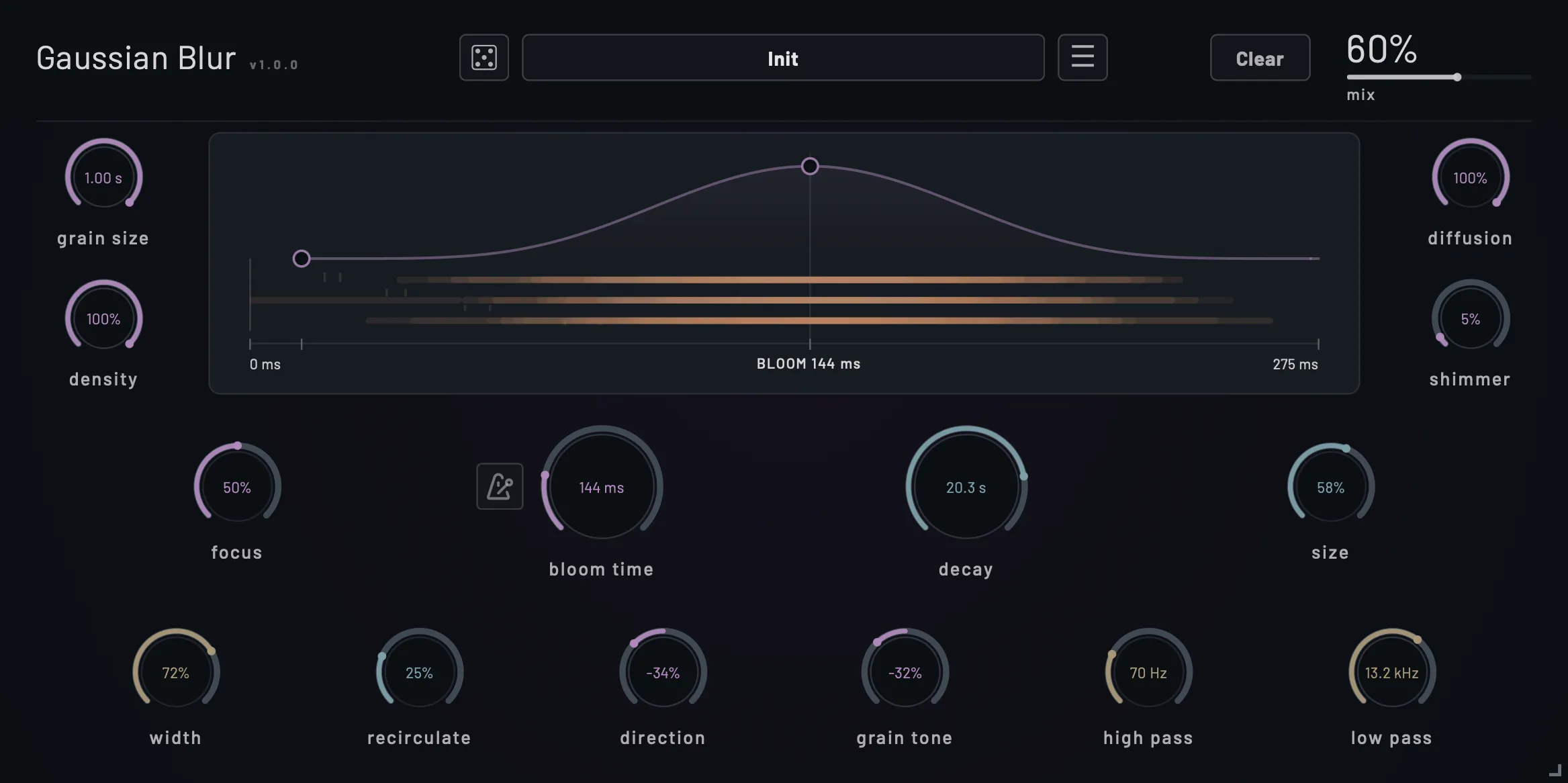
That combination can give Gaussian Blur a feeling somewhere between a plate and a huge room. The bloom curve can act similar to a pre-delay, depending on where you adjust the spread start and shape, but it can also become a massive late-stage swell (or your favorite synonym for “bloom”).
Grain windows: Tukey, Hann, Hamming, Gaussian
The “granular” feeling is pretty well dialed out by default. I really wanted this to be more of a reverb than a strict grain processor, but you can bring that feeling back without much work (and there’s an entire bank of Grain presets). I even threw in some alternative windowing modes. By default, we use a very tapered Tukey window. At some durations, the window doesn’t even really need diffusion, which can give you some interesting control over brightness in the mix. All the classic windows (Tukey, Half Sine, Hann, Hamming, Gaussian) are available to try out, and the user manual covers how each one behaves.
There’s a vast range of sounds and effects Gaussian Blur can conjure up, and I did my best to make the defaults a good starting point. To see what else it can do, try the good old randomize button and see where it takes you.
How many words can I put toward a reverb? It’s a new and different flavor. My beta testers have enjoyed using it, so hopefully you will too!
Availability and pricing
The Gaussian Blur bloom reverb plugin is shipping today for macOS (VST3 and AU), Windows (VST3), and Linux (VST3, Ubuntu 24.04+, Fedora 40+, Arch). An iOS 18.6+ version compatible with iPhone and iPad DAWs is coming soon.
The desktop plugin is $40, or $32 with the intro offer through October 26. Create a free account to try it out with a 14-day trial and see if it fits into your workflow.
Be sure to sign up and join the mailing list. Keep your eyes peeled for future releases, and maybe a discount or two!